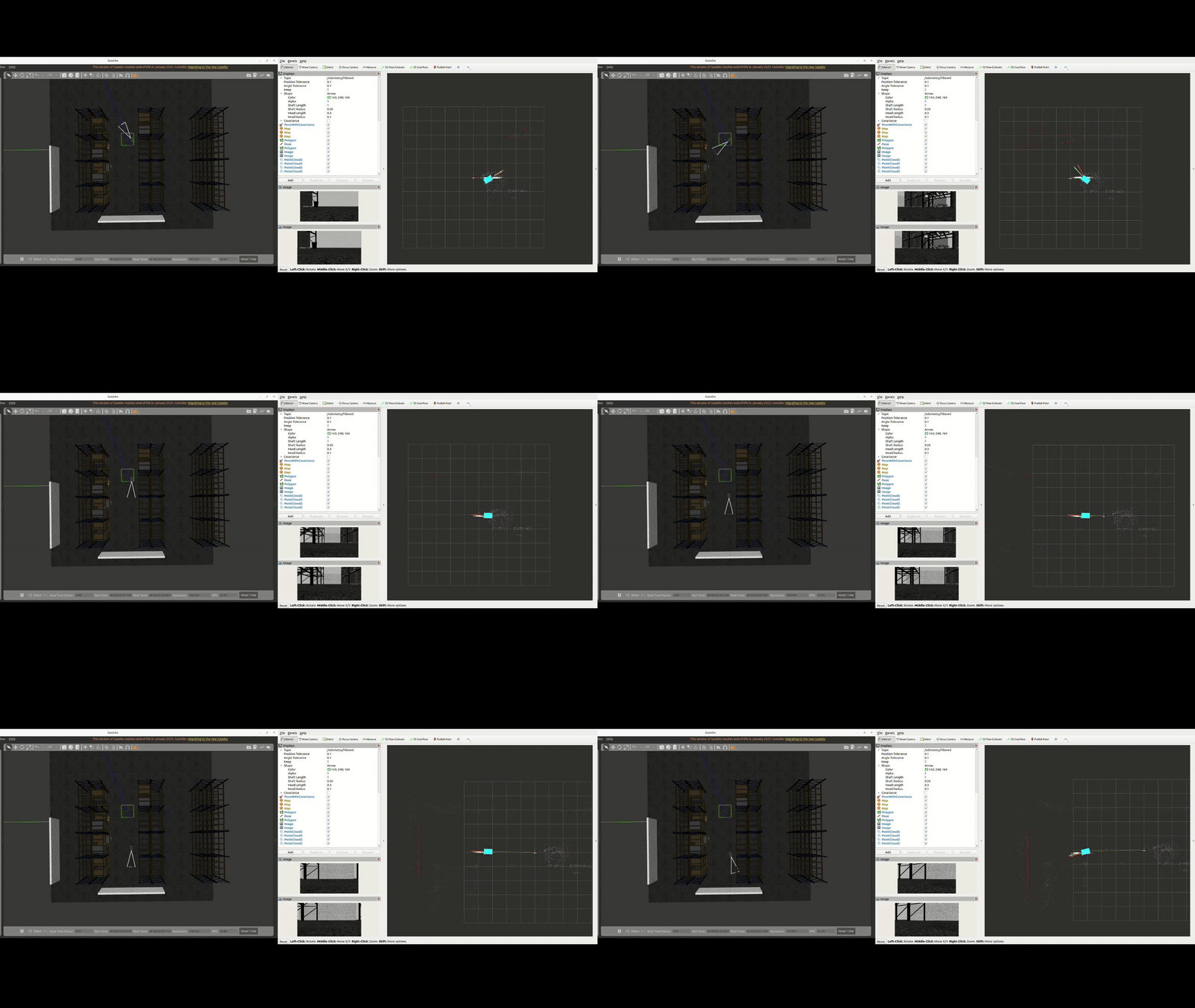
10) AD-R1M Gazebo simulation
This simulation also includes a RealSense D435i gazebo plugin which is mounted in front of the AD-R1M platform.
Running gazebo simulation
ros2 launch ad_r1m_cuvslam robot_realsense_sim.launch.py local_models_path:=<path_to_your_models> world_name=<your_world_name.world>
This launch file ensures Gazebo can find local models in this workspace. This helps resolve errors like “Unable to find uri[model://some_model]” by adding the repository’s models/ folder to GAZEBO_MODEL_PATH.
You can find plenty of worlds and models at https://github.com/leonhartyao/gazebo_models_worlds_collection. Just download the repository inside your workspace and load any of the available worlds.
The gazebo simulation can be run on any PC while the cuVSLAM can be run only on a NVIDIA Isaac ROS compliant setup.
On NVIDIA AGX Orin run the docker container in a new terminal:
 cd $ISAAC_ROS_WS/src/isaac_ros_common
./scripts/run_dev.sh -i ros2_humble.realsense.visualslam
Inside the Docker container launch cuVSLAM:
source install/setup.sh
ros2 launch ad_r1m_cuvslam vslam_single_realsense.launch.py
Bellow is an example of cuVSLAM running with the AD-R1M + RealSense D435i Gazebo simulation: