8) Launching AD-R1M and NVIDIA cuVSLAM
Configure robot_localization to use cuVSLAM visual odometry feedback.
Open a new terminal and connect to the AD-R1M robot via SSH:
ssh analog@ad-r1m-0.local
Enter the password analog when prompted.
The Extended Kalman Filter (EKF) configuration file tells robot_localization which sensor topics to subscribe to and how to use them. Open the configuration file:
vim ros_data/ekf.yaml
Add the following lines to enable visual odometry from cuVSLAM:
odom1: /visual_slam/tracking/odometry
odom1_config: [true, true, false,
              false, false, true,
              false, false, false,
              false, false, false,
              false, false, false]
After saving the configuration, start the localization system on the robot:
sudo ./bringup_blind.sh
Open a new terminal on the NVIDIA Jetson and run the Docker container:
cd $ISAAC_ROS_WS/src/isaac-ros-common
./scripts/run_dev.sh -i ros2_humble.realsense.visualslam
Inside the container, launch the cuVSLAM node:
source install/setup.sh
ros2 launch ad_r1m_cuvslam cuvslam_multirealsense.launch.py
The EKF will now combine measurements from the IMU, wheel odometry, and visual odometry to produce the pose estimate.
Important
Make sure the transform between ad_r1m_0/base_link and camera1_link matches your configuration. By default, it is set as a translation of +0.335 m along the X-axis (front of the robot) in single_realsense_calibration.urdf.
<joint name="camera1" type="fixed">
    <parent link="ad_r1m_0/base_link"/>
    <child link="camera1_link"/>
    <origin xyz="0.335 0.0 0.0" rpy="0 0 0"/>
</joint>
Make sure the serial number of your RealSense camera matches the serial_no parameter in vslam_single_realsense.yaml:
cameras:
    - camera_name: camera1
      serial_no: '243322074768' # This should match your camera serial number
      usb_port_id: ''
      depth_module.inter_cam_sync_mode: 1
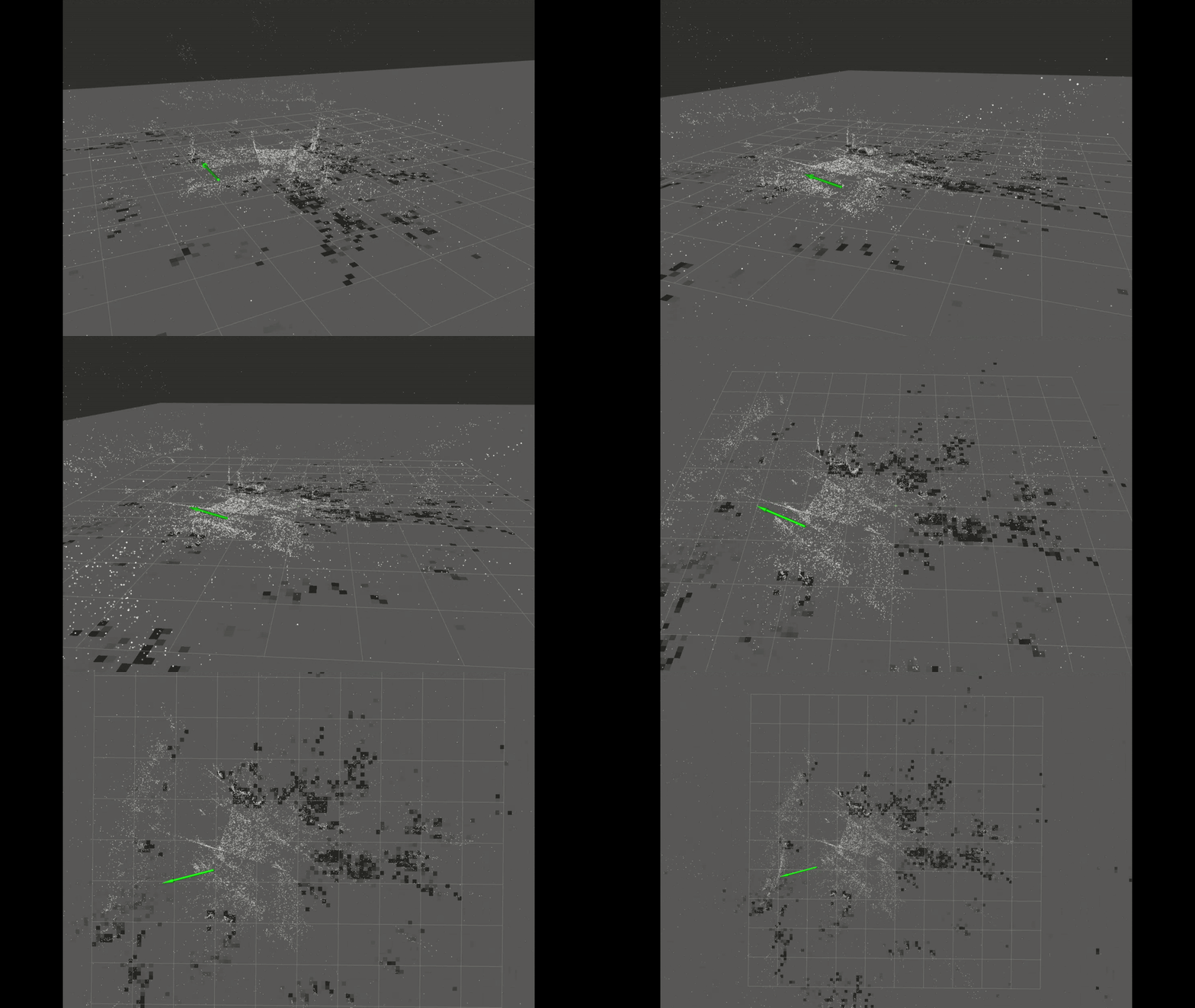
Multi RealSense cameras
Note
You can use multiple RealSense cameras (up to 16 stereo cameras) without modifying the launch script. Simply configure each camera’s serial number in vslam_single_realsense.yaml and set the corresponding transform in single_realsense_calibration.urdf.
When using multiple stereo cameras, it is recommended to perform inter-camera synchronization to ensure reliable visual odometry feedback. RealSense cameras support hardware synchronization by designating one camera as the master and the others as slaves:
depth_module.inter_cam_sync_mode: 1 # setting the master camera
depth_module.inter_cam_sync_mode: 2 # setting the slave cameras
For more information on RealSense hardware synchronization, see: https://dev.realsenseai.com/docs/multiple-depth-cameras-configuration
cuVSLAM parameter setup
Note
cuVSLAM supports IMU fusion with a single stereo camera. If IMU fusion is enabled, it is crucial to determine the specific noise and bias parameters of your IMU:
visual_slam:
    enable_imu_fusion: True
    gyro_noise_density: 0.00015593952556059264
    gyro_random_walk: 7.371377089394156e-06
    accel_noise_density: 0.00246907522075608
    accel_random_walk: 0.0004886176561242167
To analyze your IMU’s noise parameters, you can use the https://github.com/CruxDevStuff/allan_ros2 tool, which applies Allan deviation analysis.
To use cuVSLAM for mapping and pose estimation, enable_localization_n_mapping must be set to True. If not, cuVSLAM will only compute visual odometry.
For planar robots, it is recommended to enable the ground constraint in cuVSLAM to reduce or eliminate drift along the Z-axis:
enable_localization_n_mapping: True
enable_ground_constraint_in_odometry: True
enable_ground_constraint_in_slam: True
enable_localization_n_mapping switches cuVSLAM from pure odometry mode to full SLAM mode.
enable_ground_constraint_in_odometry and enable_ground_constraint_in_slam help maintain a stable Z-axis estimate for robots moving on flat surfaces.
When using an EKF to fuse all available sensor data (IMU, wheel odometry, visual odometry), cuVSLAM should not publish the odom -> base_link transform, as the EKF will provide the robot’s final pose. However, if localization and mapping is enabled, cuVSLAM can still publish the map -> odom transform for visualization and global reference:
publish_map_to_odom_tf: True
publish_odom_to_base_tf: False #When EKF publish_tf is true